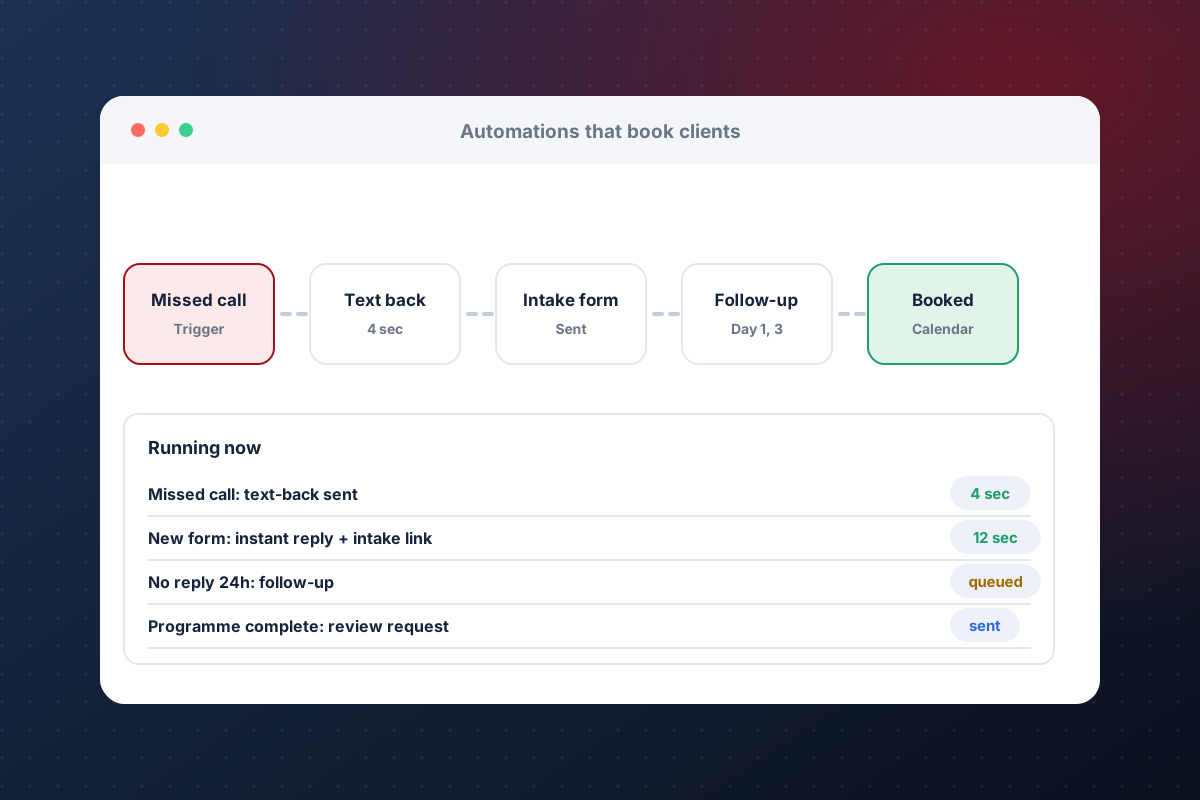
Send an instant text and email when a form comes in, and remind your team when a lead goes quiet.
Dog training operations
How to automate your dog training business operations
Most dog training businesses lose time and clients to the same handful of repeat tasks: slow follow-up, chasing homework, missed renewals and unfilled openings. Automating those frees trainers for the work that needs judgement. Here is what to automate first, what to keep human and how to start without rebuilding everything.
What to automate
Eight tasks worth automating
If a task repeats, gets lost or needs someone to chase it, it is a candidate.
Email the intake form automatically when someone inquires, so the dog's history arrives before the call.
Let clients pick a time and pay a deposit without phone tag.
Nudge clients to practice and flag the ones who stop, before the programme stalls.
Send a recap and next steps after each session, with the trainer's notes attached.
Flag clients near the end of a package or with unused sessions so you can reach out first.
Tell the right clients when a boarding or class spot opens, so it gets filled.
Ask for a Google review after a client finishes a programme, while the result is fresh.
What to keep human
Automation should handle logistics, not training decisions. Keep a person on behaviour assessments, safety calls, upset or sensitive clients and any message about a dog's progress that needs context. A good rule: automate the reminder, not the relationship.
How to start
- List the tasks you or your staff repeat every week.
- Pick the one that costs the most time or loses the most money.
- Automate that one workflow and test every handoff, including what happens when a client replies.
- Add the next workflow only after the first one runs without attention.
CRM automations or custom software?
Many of these tasks run inside a CRM such as GoHighLevel, with forms, calendars, texts and follow-up sequences. K9PN sets up and automates GoHighLevel for dog trainers, whether you are starting fresh or already have an account. When the client, trainer and owner need to share one view, such as a portal with homework and video uploads, a trainer reply queue or an owner dashboard, custom software fits. See GoHighLevel setup and automation, client portal software for dog trainers or how to choose a CRM.
Common questions
How do I automate my dog training business?
Start with one repeated task, such as new-lead follow-up or intake forms. Automate it, test it, then add the next. Most of it can run in a CRM with forms, calendars and automated texts and emails.
What should a dog trainer never automate?
Behaviour assessments, safety decisions and sensitive conversations with clients. Automate reminders and logistics, and keep a trainer in the loop for anything that needs judgement.
Do I need to know how to code?
No. CRM automations are set up with forms, triggers and templates, and custom software is built for you.
Which task costs you the most time?
Bring the bottleneck. K9PN will map the smallest automation that fixes it first.
Book a Build Call