Say what you train, for whom and where, in one line: for example, puppy and obedience training in your city.
Dog training websites
Dog training website builder: build it yourself or have it built for you
Most dog training websites are built one of two ways: you use a website builder yourself, or someone builds it for you. Both can work. This guide covers what dog training websites need to bring in clients, how to choose a website builder, and when it is worth handing the build to a team that knows dog trainers.
What every dog training website needs
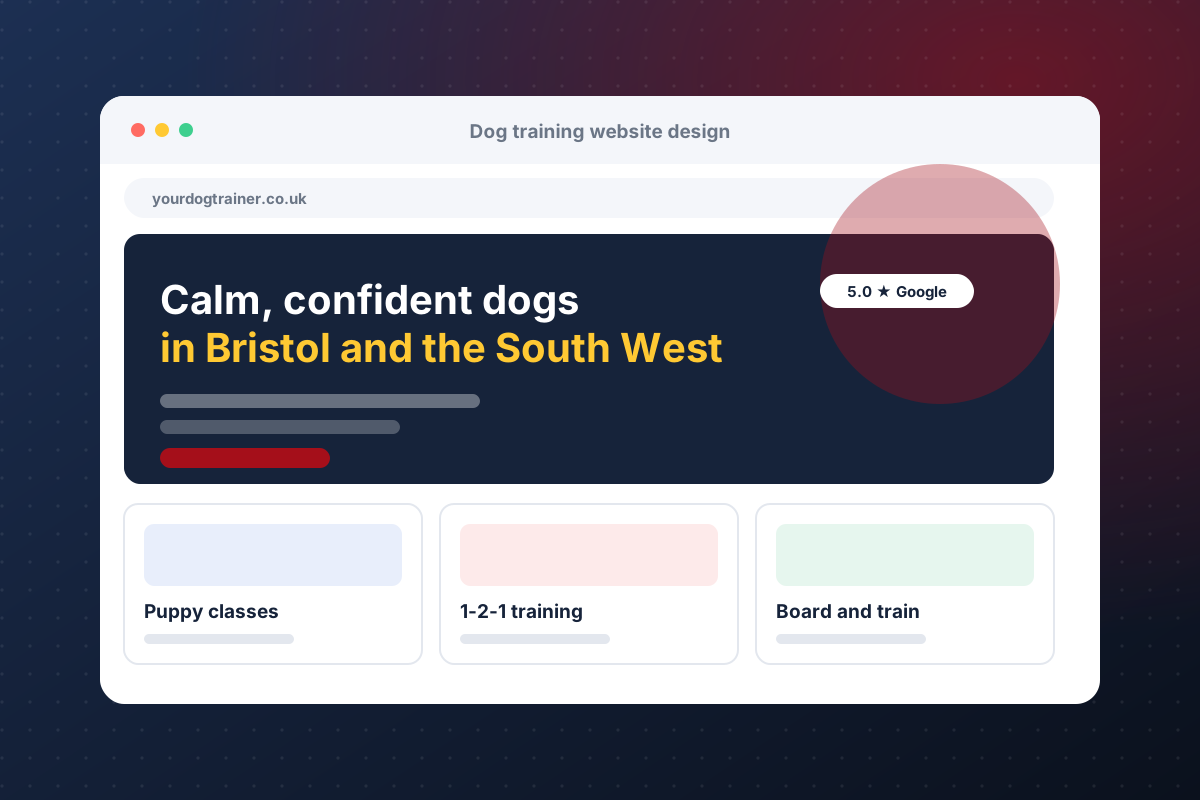
Seven things a dog trainer website must do
Whichever route you take, check the site against this list before you launch.
Puppy training, obedience, behaviour, board-and-train and classes each deserve their own page so people and search engines can find them.
If you travel to several towns, a page per area helps local searches and tells clients you are nearby.
A short form or an online calendar on every page, not buried in a menu.
Real photos, reviews, credentials and results. Use your own photos of your own work.
Most people find trainers on a phone. The site has to load fast and be easy to tap.
Every inquiry should land in one place and get an instant reply, so no lead goes cold.
Choosing a dog training website builder
General website builders such as Wix, Squarespace, WordPress and similar tools let you build a site yourself without code. They suit trainers who enjoy the work and have a few free evenings. Compare them on three things: how easily you can add a page per service and area, how fast the pages load on a phone, and whether forms and calendars connect to the tools you already use. Check each provider's own site for current features and pricing, since those change.
The hidden cost of a DIY site
The builder is rarely the expensive part. Writing the pages, taking the photos, setting up local search, wiring forms to your follow-up and keeping it all current is where the hours go. A site that looks good but never answers a lead quickly will not book many clients.
When to have a site built for you
Consider a done-for-you build if you would rather spend your time training dogs, want a page per service and area from day one, or need the website connected to booking, payments and automated follow-up. See how K9PN approaches website design for dog trainers, or the website plus CRM package.
Connect the site to a CRM
A website brings people in; a CRM keeps them from slipping away. Forms, calendars, text-back and reminders should all feed one system. Read what to look for in a dog training CRM, or compare options in our dog training software guide.
Do not skip local search
A beautiful site that nobody finds earns nothing. Make sure each page has a clear title, your town and service in the text, and a matching Google Business Profile. More in our guide to SEO for dog trainers.
Common questions
What is the best website builder for a dog trainer?
There is no single best. Pick one that makes it easy to add a page per service and area, loads fast on phones and connects forms and calendars to your CRM. Check each builder's own site for current features and pricing.
How much does a dog training website cost?
A DIY builder costs a monthly subscription plus your time. A done-for-you site costs more up front but saves the hours. K9PN offers monthly plans from £190 that include the website, CRM and support.
How many pages does a dog training website need?
At minimum a home page, a page for each service, a page for each area you serve, an about page, reviews and a contact or booking page.
Can I use my own photos?
Yes, and you should. Real photos of your own training build more trust than stock images.
Do I need a CRM as well as a website?
Yes, if you want inquiries answered quickly. The CRM catches every lead from the site and follows up automatically.
Related
Want a dog training website that books clients?
Book a call and K9PN will review your current site or plan a new one with a CRM built in.
Book Now